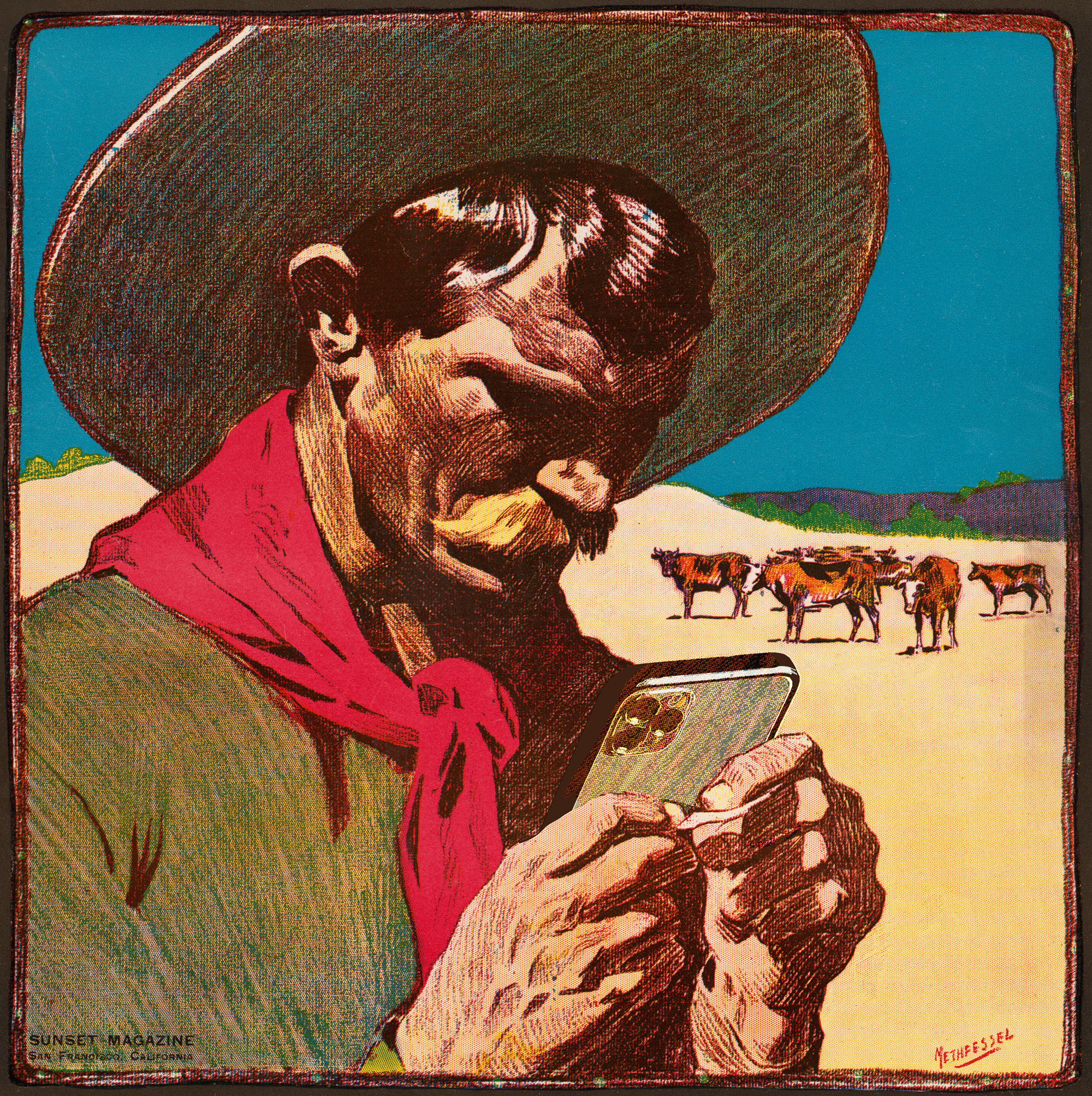

When we started trying to integrate technology into the school and teaching in the late 1980s, there was one huge challenge—95% of the teachers and administrators did not own a computer or know how to operate one. Because of this, there was not even a sense of what could be done or a feeling that something needed changing.
Each suggestion or idea was met generally with a passive wave of indifference. “What’s not working?” “We’ve been doing it this way for 50 years?”
A good example was teaching materials. The school had a mimeo or ditto machine in each faculty room and later a Xerox machine that teachers could use, sparingly. So the hundreds of class handouts, syllabi, worksheets and tests were either TYPED on a typewriter by a teacher, or were hand written. Given the penmanship of some of the teachers this could be problematic for some students.
Also, typing a two or three page handout on a ditto form meant that you could not make a lot of mistakes. There was no way to correct that.
Each morning there would be a line by the mimeo machine as the teachers came in to run their copies before class. And the machine would jam, or run out of paper, or mangle the original. Then panic set in. Some teachers were well prepared for this and were in the office by 6am or so, getting their copies done before breakfast in the dining hall.
Then a revolution called word processing emerged. Suddenly it was possible to use a keyboard and a computer to create a “text” document. The writer could edit the document over and over on the screen and eliminate errors. Also one could use a new feature called “cut and paste” and move words or sentences or whole paragraphs around! Primitive spell checkers could search the document for errors, though they missed a lot.
The document could be saved and edited later and could be given digitally to another person using a floppy disk. Best of all, the document could be printed on a dot matrix printer over and over.
The writer could also get fancy and use special effects like bold and italics and underline that was never possible with a typewriter. The size of the letters could be changed and titles could be large. The text could be justified left or right (or centered) and the first line of a paragraph could be automatically indented. A new thing called fonts meant that the letters could be in a variety of styles.
No one really understood yet which of these magic things to use where so there appeared horrendously bizarre productions with whole sections in italics and centered, with non-recommended fonts and odd sizing. It was like giving everyone a car without any explanation of traffic rules or operating instructions.
One could also now create a banner for an event using the word processor and the dot matrix printer. And you could add stars and other things. A whole generation of very odd posters and banners!
Eventually books like The Mac is Not a Typewriter began to provide a bit of guidance for text and publishing. The book explained, among other things, that it was no longer necessary to put two spaces after a period as we had been taught in typing class. The computer created the perfect readable space automatically based on the size and font and leading letter. Some people still put in two spaces.
Being able to word process class materials became a revolution across the campus and led to many faculty buying a computer, mostly Apple IIs and ImageWriter printers. The school bought one for each faculty room and that soon became another traffic jam with certain faculty there all the time. When the printer jammed or ran out of paper, it was a crisis. Fixing the printer was one of the most important early jobs for the technology teacher.
But having computers in the hands of 40-50% of the faculty meant that more changes were now possible.

 Tales from the Tech Trail
Leave a comment